

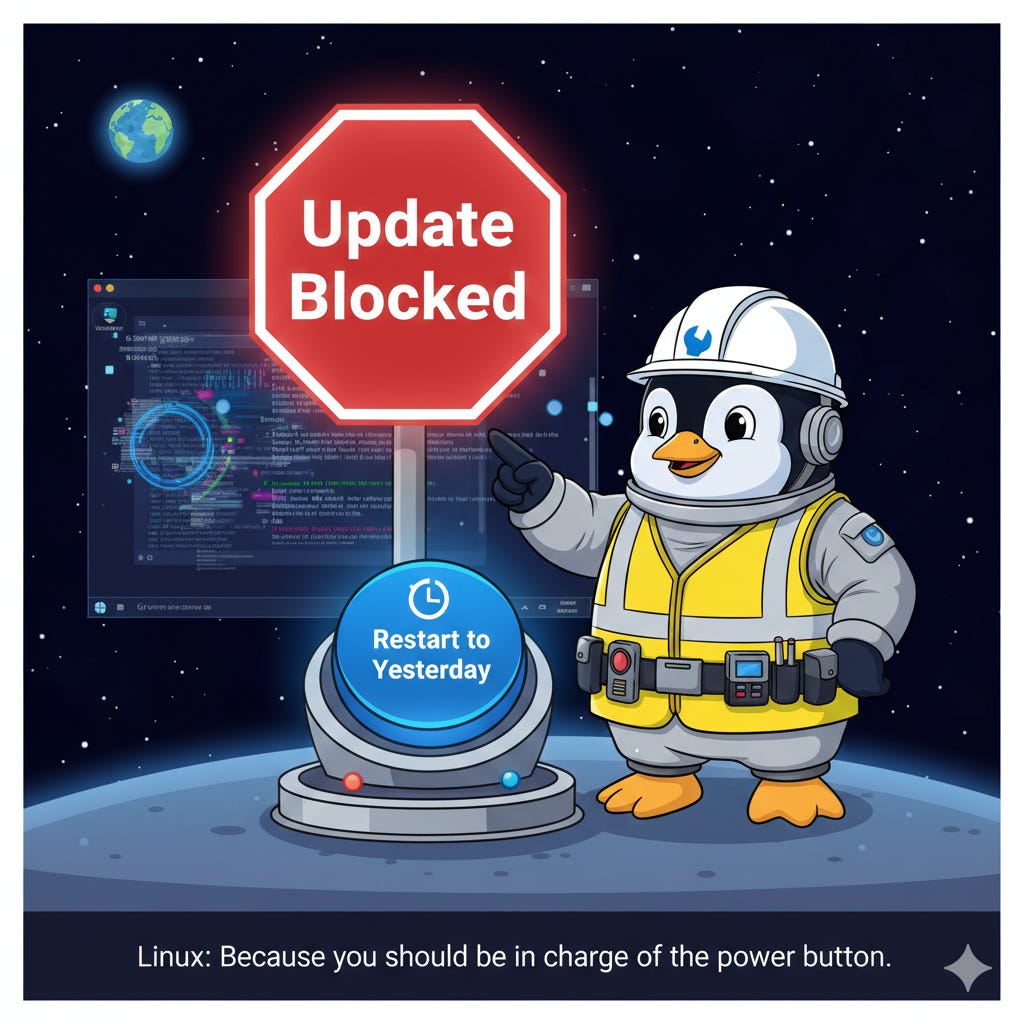
Last week, a routine Windows update turned into a nightmare for thousands — forcing reboots, freezing systems, and ignoring shutdown commands. Users lost unsaved work. Students missed deadlines. Professionals watched helplessly as their machines refused to obey. Some even closed their laptops, tucked them into bags… only to find them still running hours later — overheating, draining batteries to zero, risking hardware damage. This wasn’t a glitch.
It was a statement: Your device belongs to Microsoft now!
Users close their laptops, put them in bags, and the machines stay on, overheating and draining the battery to zero
💥 Linux Doesn’t Do This. And Here’s Why.
In Linux? You decide when to update. When to reboot. When to say “no.”
No stealth updates. No surprise restarts. No pop-ups that ignore your “Cancel” click.
Even if you do install an update — and something goes wrong — tools like TimeShift let you roll back your entire system like hitting Ctrl+Z on your OS.
📦 What is TimeShift?
TimeShift is a free, open-source tool that creates snapshots of your system — like a “restore point” for your whole operating system. If an update breaks something, you can boot into a previous snapshot and go back to exactly how things were — without losing your files or settings. Think of it as “undo” for your entire computer.
No panic. No data loss. Just peace of mind.
🔍 This Isn’t About One Bug — It’s About Control
This isn’t just about a faulty patch. It’s about a culture where users are treated like obstacles — not owners.
Windows doesn’t ask permission before updating. It doesn’t care if you’re in the middle of a presentation, editing a video, or working late at night. It decides for you.
Linux? It treats you like a partner.
You choose:
When to update
What to install
Whether to reboot (and when)
How to recover if something goes wrong
That’s not “geeky.”
That’s respectful.
🚪 So… What Now?
If you’re tired of being told what your computer can and can’t do — maybe it’s time to try something different.
Linux isn’t scary. It’s just… polite.
👉 Try it live via USB — no install needed.
👉 Dual-boot alongside Windows — keep both until you’re ready.
👉 New here? Read our foundational guide: Why Linux and Why You Should Try.
Your computer should work for you — not against you. Linux gets that. Maybe it’s time you gave it a shot.
💬 Have you ever had Windows force a reboot on you? What did you lose? Drop a comment below — I read every one.