

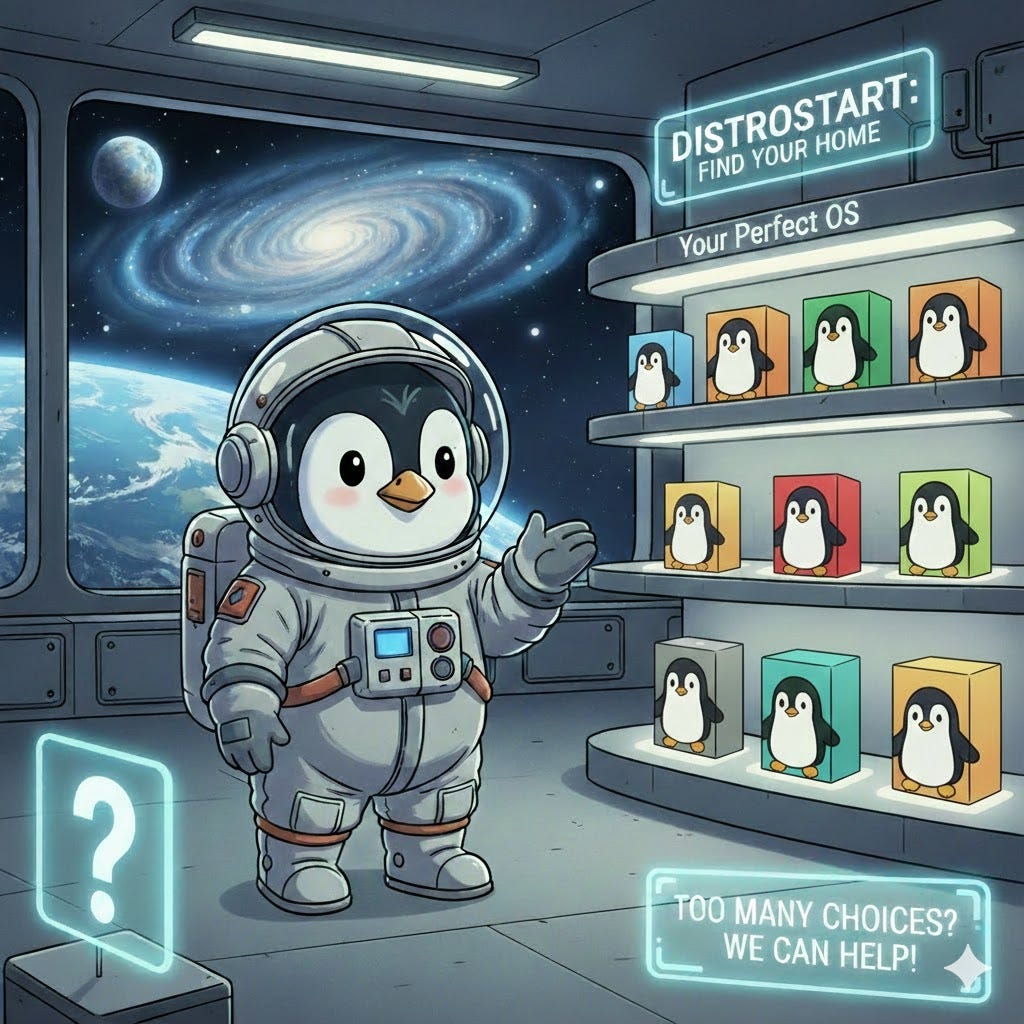
The Wall of Choices 🧱
If you’re coming from Windows or macOS, you’re used to having one choice. But the moment you type ‘Download Linux’ into a search engine, you’re hit with a wall of names: Ubuntu, Fedora, Mint, Pop!_OS, Debian.
It feels like trying to pick a favorite movie from a library you’ve never visited. Most people quit right here. DistroStart exists so you don’t have to.
Let’s break down the best choices for beginners or those switching from Windows to Linux.
What Should You Consider? 🧐
Before you click “Download,” take five minutes to look at your desk. Linux is incredibly flexible, but it’s helpful to know if you’re driving a sports car or a reliable old truck.
1. Your Graphics Card (GPU)
This is the most common “hiccup” for beginners.
Intel or AMD: These usually “just work” perfectly because the drivers are built right into Linux.
NVIDIA: These work great too, but they require a “Proprietary Driver.” If you have an NVIDIA card, look for distros that offer an “NVIDIA Version” (like Pop!_OS) to save yourself a headache later.
2. Your “Must-Have” Software
Don’t delete Windows until you know your workflow survives.
The Good News: Browsers (Chrome/Firefox), Spotify, Discord, Steam, and REAPER work perfectly.
The “Middle” Ground: Microsoft Office. You’ll likely switch to LibreOffice or use the web versions.
The Dealbreakers: Adobe Creative Cloud (Photoshop/Premiere) and specialized anti-cheat games (like Valorant) usually won’t run. If you need these, you might want to “Dual Boot” (keep both Windows and Linux).
3. The “Desktop Environment” (The Look & Feel)
In Linux, the “Look” of the system is separate from the “Engine.”
KDE Plasma: Looks like Windows, but “on steroids.” (Found in Kubuntu).
GNOME: Very modern, clean, and a bit like a tablet or macOS. (Found in Ubuntu).
XFCE: Simple, fast, and perfect for older computers.
4. Community & Support
As a beginner, you will have questions.
Pick a “Big” Name: Stick to distros like Ubuntu, Mint, or Fedora at first. Why? Because when you Google a problem, someone already solved it in 2024, 2025, and 2026 for those specific systems.
💡DistroStart Tip: If you have a second monitor, a weird Wi-Fi dongle, or a specific printer, search for “[Model Name] + Linux” on Google. If the first result is a forum post from three years ago saying “It works!”, you’re golden.
Meet the Distro Family: Which One Fits Your Needs?
Below, we break down the top 8 beginner-friendly Linux distros — no jargon, just honest comparisons. Each has its own vibe, like different types of coffee: strong, smooth, bold, or cozy.
🐧 Linux Mint Cinnamon
(“The Polished Classic”)
Think of this as the Windows replacement with polish. It’s clean, beautiful, and feels instantly familiar. Great for users who want everything to just work — no tweaking needed.
✅ Perfect if: You want something that looks and acts like Windows but runs faster and safer.
🎯 Best For: Office workers, students, retirees, anyone wanting comfort.👉 Space Tux says: “Grab this one if you’re not sure where to start.”
💿 Download Linux Mint Cinnamon
🐧 Linux Mint Mate
(“The Nostalgic Powerhouse”)
If you miss the old-school desktops (like GNOME 2 or even XP), this is your jam. Lightweight, stable, and customizable without being overwhelming.
✅ Perfect if: You love control but don’t want to dive into terminal configs.
🎯 Best For: Older hardware, power users who prefer simplicity over flashiness.👉 Space Tux whispers: “This one’s for the folks who remember how computers used to feel.”
🐧 Ubuntu
(“The Friendly Giant”)
The most popular Linux distro — and for good reason. Huge community, tons of tutorials, great support, and works on almost anything. It’s like the default choice at any tech store.
✅ Perfect if: You want reliability, broad compatibility, and a huge ecosystem.
🎯 Best For: Everyone — especially first-timers who need safety nets.👉 Space Tux nods: “If you’re nervous, Ubuntu is the safe bet. Everyone else uses it too.”
🐧 Kubuntu
(“The KDE King”)
If you love flashy interfaces, animations, and customization — Kubuntu’s your ride. Built on Ubuntu, but with the KDE Plasma desktop — think modern, powerful, and highly tweakable.
✅ Perfect if: You want beauty + power, and aren’t afraid to explore settings.
🎯 Best For: Designers, gamers, creatives who want a personalized desktop.👉 Space Tux grins: “KDE = more buttons. More fun. More freedom.”
🚀 Pop!_OS
(“The Gamer & Creator’s Choice”)
Made by System76, Pop!_OS is built for performance — especially on laptops and high-end PCs. Excellent hardware detection, great drivers (especially NVIDIA), and clean UI.
🖥️ Zorin OS
(“Windows Reborn”)
Designed specifically for people switching from Windows. It looks exactly like Windows — menus, icons, taskbar — so you won’t feel lost.
🐧 Xubuntu
(“The Lightweight Wonder”)
Ubuntu’s lightweight cousin — uses the Xfce desktop instead of GNOME. Faster, less resource-heavy, perfect for older machines or low-spec laptops.
🧱 MX Linux (Xfce Edition)
(“The Reliable Workhorse”)
MX Linux is known for stability, security, and ease of use — even for non-techies. Based on Debian, it’s rock-solid and rarely breaks.
🧭 QUICK GUIDE TO PICK YOUR DISTRO
Just ask yourself these 5 questions:
Are you coming from Windows? → Try Zorin OS or Mint Cinnamon
Do you want the easiest setup? → Go with Ubuntu or Mint Cinnamon
Are you into design, gaming, or video editing? → Pop!_OS or Kubuntu
Is your laptop old or slow? → Xubuntu or MX Linux
Do you love tinkering and customizing? → Kubuntu or Xubuntu
💬 Space Tux’s Final Advice:
“Don’t overthink it. Install one, try it out, and if it doesn’t feel right… uninstall it. Linux lets you experiment without fear.”
💡 Pro Tip: Try via USB before installing — most distros offer live sessions!
Get Started

Ready to launch?
✅ Pick a distro
✅ Download ISO
✅ Create bootable USB
✅ Boot & try live session
✅ Install & update
✅ Explore & enjoy!
You’re now officially a Linux explorer. 🚀🐧
The DistroStart Golden Rule: The 30-Day Commitment
“Stop ‘Distro Hopping.’ Pick one of the recommended distros, try and install it, and use it for 30 days. You can’t learn to drive if you keep changing the car every ten miles. Give your brain time to adjust to the new ‘galaxy’ before you try to find a different one.”
So go ahead — pick one. Try it out, and once you find the perfect distro for your needs, make the jump and install it! Play around. Break things (it’s okay!).
And when you’re ready… come back and tell us what you loved (or hated). We’ll help you level up. 👇